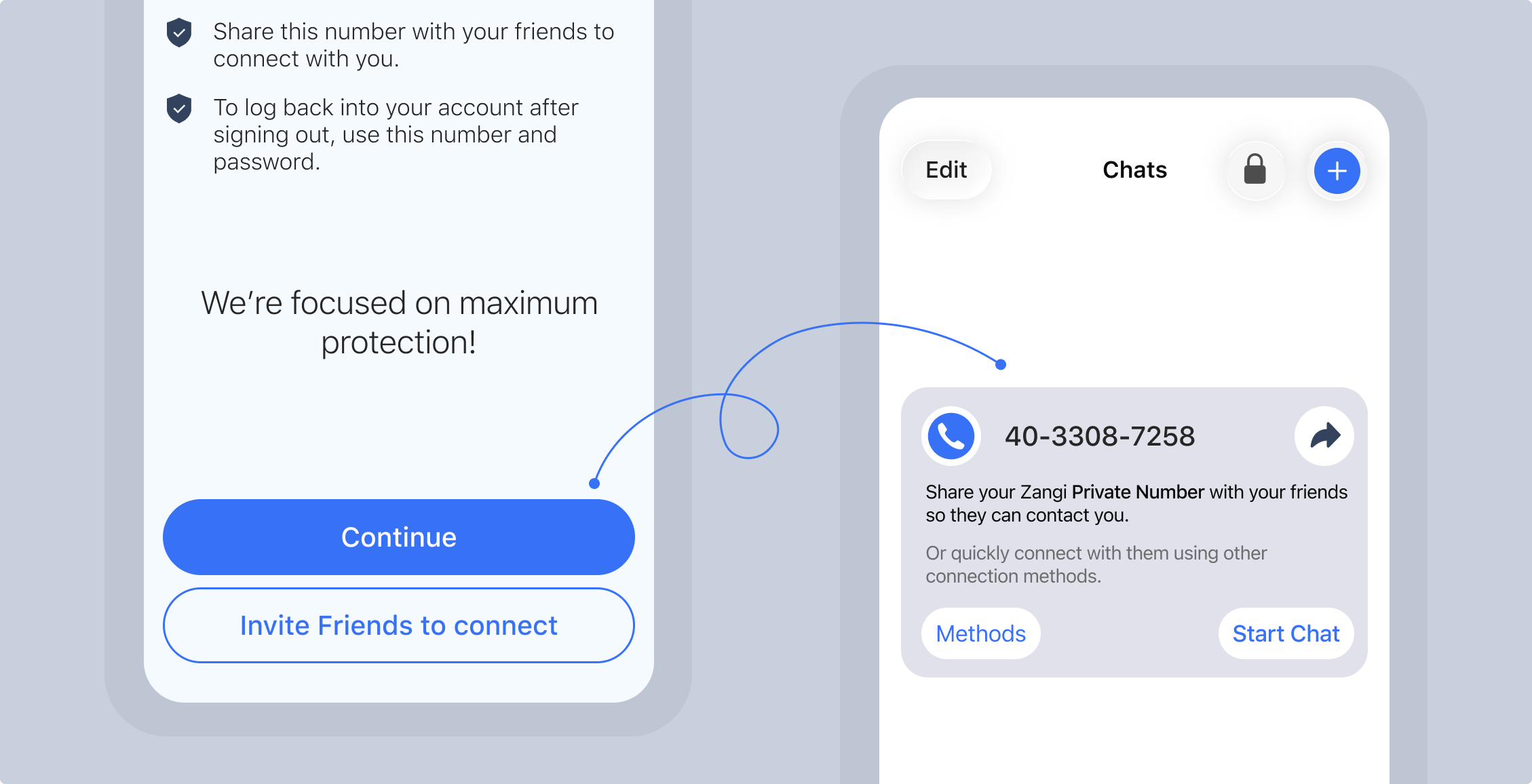
Option 1: Tap Invite Friends and choose “via SMS” or “Share via”
Via SMS: Grant permission to your contacts which won’t leave your device, then choose the
contact to send the autogenerated invite text with URL.
Share Via: Choose from listed frequent contacts or choose the app and pick the contact
there.
Option 2: Tap “Continue” then use the share icon which works as “Share Via”.
Direct Chat or Add a Contact
Option 1: Tap “Start Chat”, enter the contact’s Zangi number then tap on the Chat icon, then
choose Chat/Call/Video.
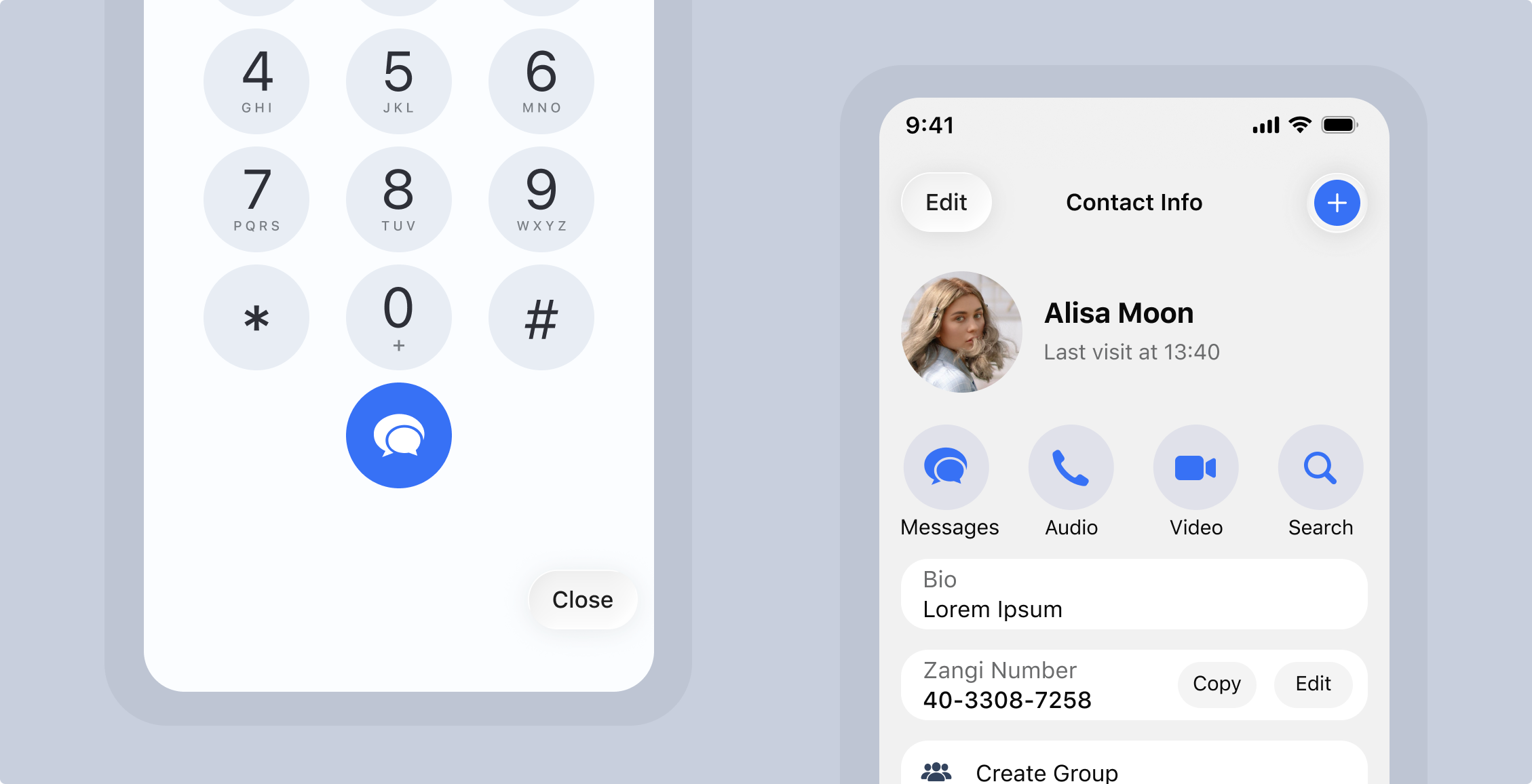
Option 2: Navigate to Contacts tab, tap on the +contact icon, add, save. Now find it by
Search, tap to open the profile and use the Messages/Audio/Video call buttons.
How to Find Someone on Zangi
Ask your friend/family/colleagues to share their Zangi number - a 10 digits virtual number assigned
during Registration.
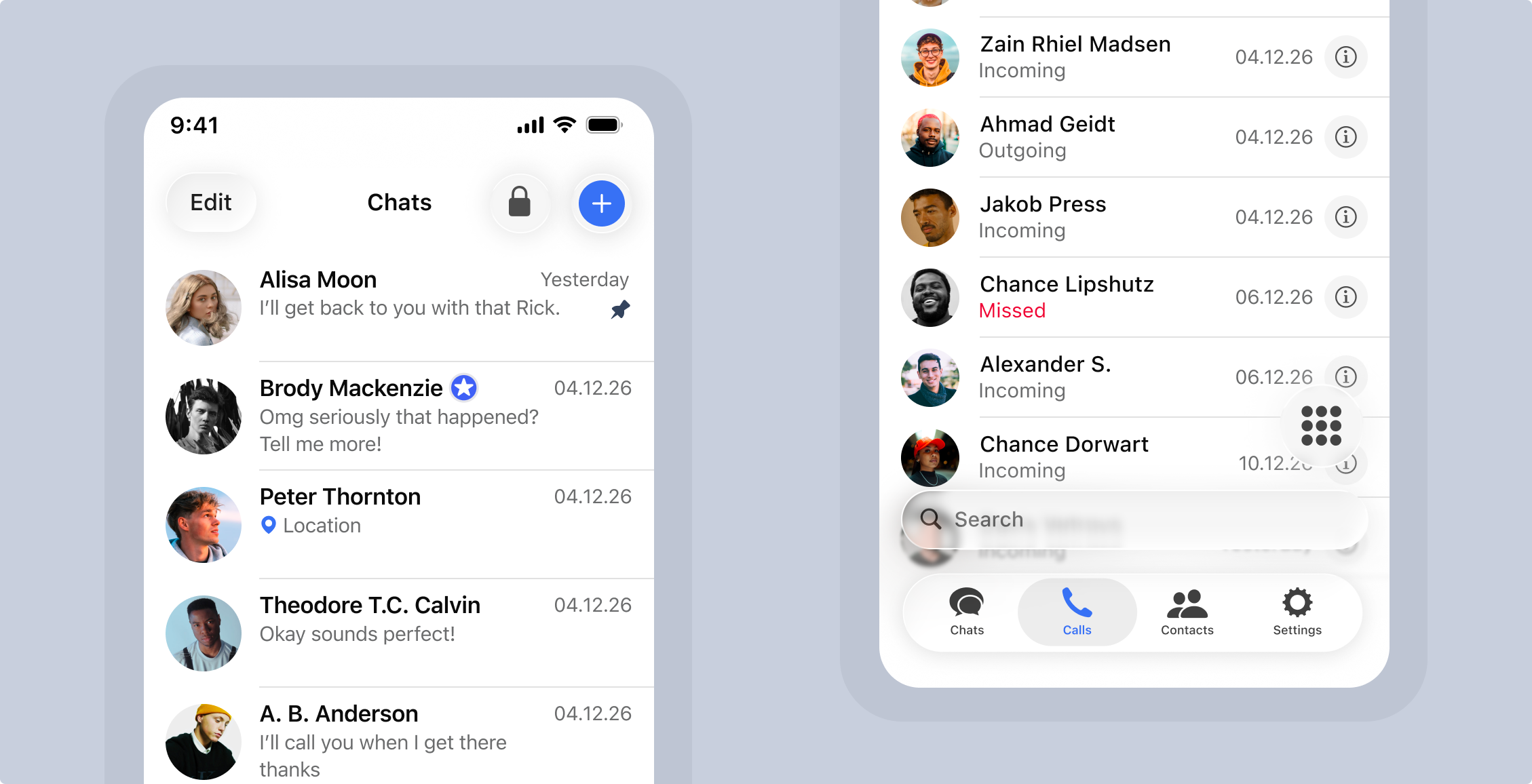
Option 1: Go to the Chats tab, tap on the pencil icon for Android and + icon for iOS, type
the Zangi number in the search bar, tap the search icon, choose the number, the chat screen will
open.
Option 2: Go to the Calls tab, enter the Zangi number, tap on the Chat icon, then choose
Messages/Audio/Video.
Cookie consents
By continuing to use this website, you agree Stack Exchange can store cookies on your device and disclose information in accordance with our Cookie Policy. By exiting this window, default cookies will be accepted. To reject cookies, select an option from below.