
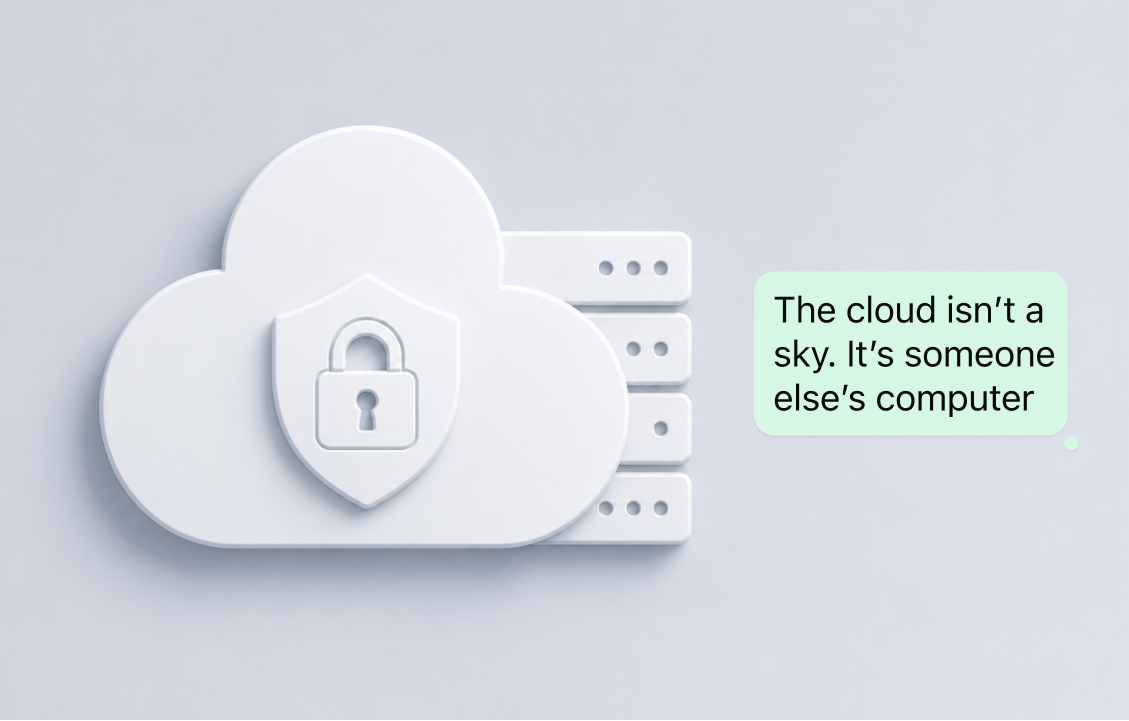
Cloud backups sound harmless. In fact, they often sound like a benefit. If you lose your phone, switch devices, or reinstall an app, your messages, photos, files, and chat history can come back with a few taps.
That convenience is exactly why many messaging apps promote backups as a useful feature. But when it comes to private communication, cloud backups also raise an important question: where does your data actually go after you send a message?
What are cloud backups?
A cloud backup is a copy of your data stored on remote servers instead of only on your device. In messaging apps, this can include your chat history, shared photos, videos, documents, voice messages, and sometimes other account-related information.
The main purpose of a cloud backup is convenience. If your phone breaks or you buy a new one, you can restore your old conversations without manually moving everything. For many users, this feels safe and practical because it protects them from losing important memories or files.
But there is another side to it.
When your communication is backed up to the cloud, your private data no longer exists only on your phone. It is also stored somewhere else. That means your messages and files may remain available even after the moment of communication has passed. For some people, that is useful. For others, especially privacy-conscious users, it creates unnecessary exposure.
Why cloud backups became so common
Cloud backups became popular because people expect apps to work smoothly across devices. Users want to change phones without losing data. They want old photos, files, and messages to appear automatically. They want convenience without thinking too much about storage.
Because of this, many apps have made cloud backups feel like a normal part of messaging. Sometimes the feature is presented as simple, secure, protected, or encrypted. These words make users feel comfortable, but they can also make the privacy trade-off less obvious. The problem is that users often do not realize what they are agreeing to.
When an app says your data is backed up, it usually means your communication is being copied somewhere outside your device. When an app says backups are protected, that does not always mean your data has no privacy risk. And when an app says it uses encryption, users should still ask what exactly is encrypted, when it is encrypted, who can access it, and whether the backup exists in the first place. Privacy depends on the full design, not only on one reassuring word.
Why cloud backups can affect your privacy
The main privacy concern with cloud backups is that they increase the number of places where your data exists. If your conversations are only on your device, there is less to expose. If they are also copied to the cloud, there is another place that needs to be protected.
Private messages can contain more sensitive information than people realize: personal photos, family updates, addresses, travel plans, documents, financial details, emotional conversations, or private decisions. Even a normal chat can reveal a lot about your life.
Cloud backups can also keep old conversations available long after you need them. A file you shared temporarily may still remain stored. A message you forgot about may still be recoverable. That may be convenient, but it also means your past communication can stay connected to your digital identity forever. The messages and the images you want to be long gone are forever kept in some cloud backups.
Why no stored data means more privacy
The most private data is the data that does not exist anywhere it does not need to. This is the idea behind data minimization: collect less, store less, expose less. If a message, file, photo, or conversation is not stored in the cloud, it cannot be leaked from cloud storage. It cannot be accessed through a cloud account compromise. It cannot remain on a remote server for months or years after the user has forgotten about it.
That is a powerful privacy advantage.
Many apps focus on protecting stored data. But an even stronger question is: why store it at all? For private communication, not every conversation needs a permanent backup. Not every shared file needs to remain recoverable forever. Not every personal message needs to become part of a long-term data history. The more places your data lives, the more places it can be exposed. The fewer places it lives, the more control you keep.
This does not mean cloud backups are always wrong. Some people may prefer the convenience of recovery. But users should understand the trade-off clearly: stored data can be useful, but it is still stored data. It still exists somewhere. It still needs protection. It can still become part of your digital footprint. For people who care about privacy, less stored data is not a limitation. It is protection.
What users should check
Before choosing a messaging app, users should look beyond the word “encrypted” and ask:
- Does the app store chat history in the cloud?
- Are photos, videos, and files included in backups?
- Are backups automatic or optional?
- Can users turn backups off?
- Does the app clearly explain what happens to stored communication?
- Does the app collect more data than needed? A private messenger should make these answers easy to understand.
The bottom line
Cloud backups can be helpful, but they are not just a convenience feature. They are a privacy decision. When your messages and files are backed up, they may exist beyond your device and beyond the original moment of communication. Even if an app uses encryption, users should still understand what is stored, where it is stored, and why.
Private communication should not rely only on fancy words. It should rely on clear design choices. Sometimes, the most private backup is the one that was never created.